 PickGuide
LaserTree K1 Pro Review: 40W Laser Engraver & Cutter at $749
The LaserTree K1 Pro addresses the ceiling of what 20W diode lasers can cut. With the LT-K40 module delivering 40W to 46W of optical power and a 0.12×0.16mm focal spot, it cuts through 10mm basswood in a single pass and handles black acrylic and engineered wood that lower-power machines require excessive passes to clear. The machine includes a dedicated emergency stop button and integrated controller — details that matter when working at higher power levels.
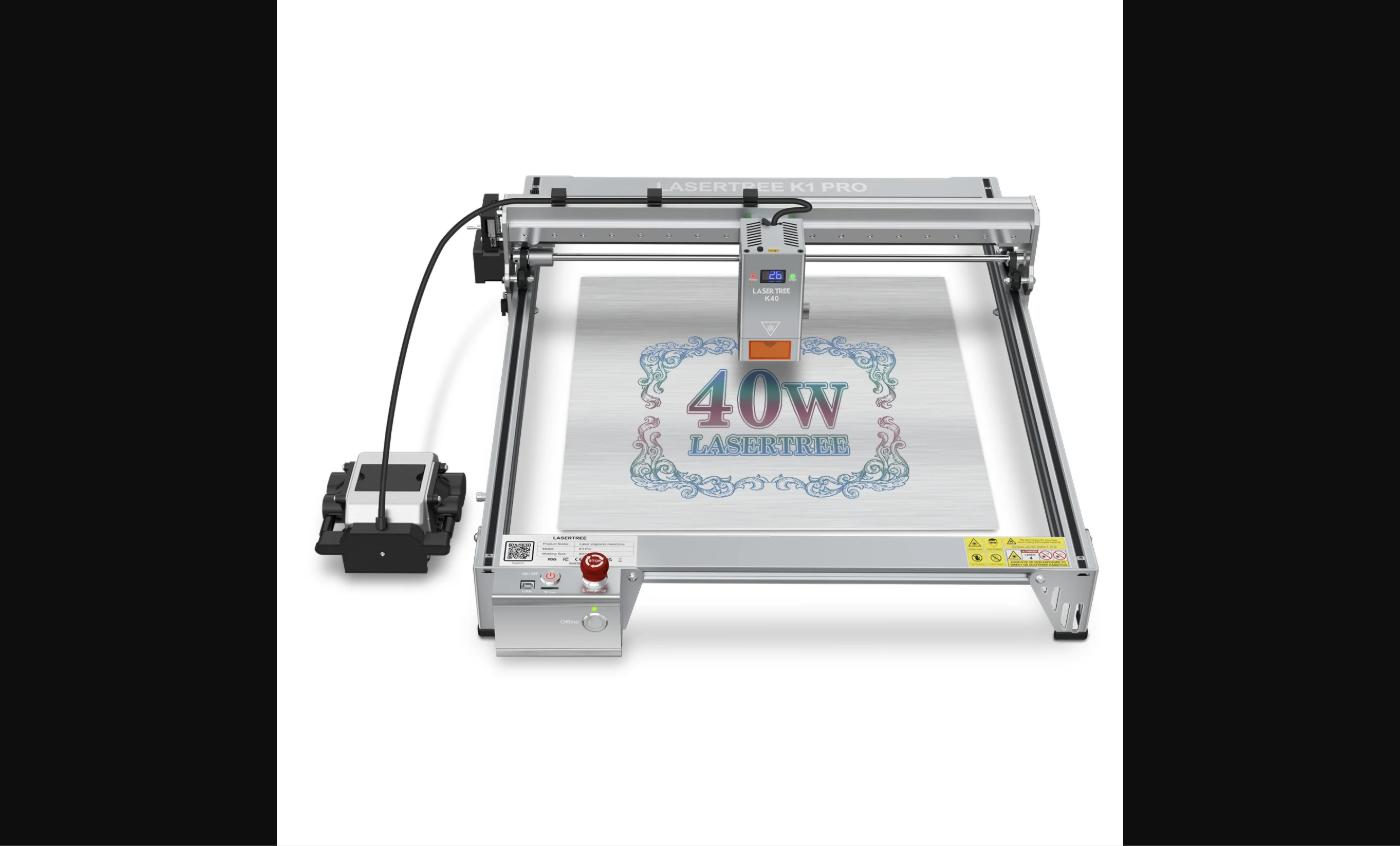
The LaserTree K1 Pro is a high-power diode laser engraving and cutting machine built around the LT-K40 module, which delivers 40W to 46W of optical output at 450nm wavelength. The focal spot is 0.12×0.16mm — tighter than most 20W modules — enabling higher engraving resolution and finer cut edges. Working area is 400×400mm. Power input is 24V at 6A. The machine features an integrated LED controller with status display, a dedicated emergency stop button for safety shutoff at power levels where immediate stop capability matters, and compatibility with LightBurn, LaserGRBL, and the LaserTree app. At 40W+ optical power, the K1 Pro handles single-pass cutting of materials that 20W machines require three to five passes to penetrate — including 8–10mm basswood, 5mm black acrylic, and slate engraving. Available at $749 (regular $829) through lasertree.com. A KitB option at $799 bundles additional accessories.
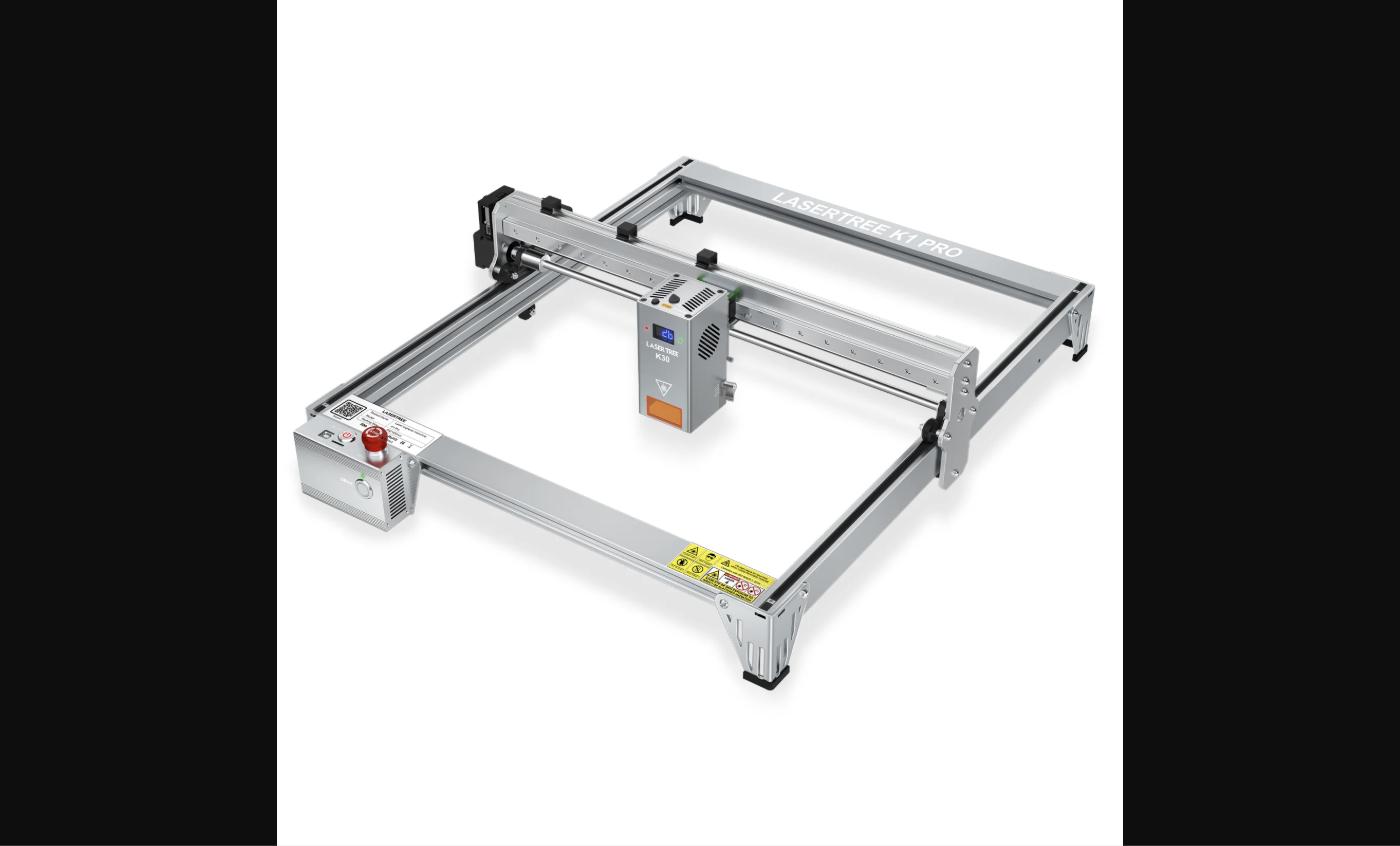
Pros
- 40W–46W LT-K40 module — cuts 8–10mm basswood and 5mm black acrylic in fewer passes than 20W machines
- 0.12×0.16mm focal spot — tighter than standard diode modules, producing finer engraving lines and cleaner cut edges
- Emergency stop button — dedicated shutoff for a machine running at power levels where immediate stop matters
- Integrated LED controller with status display — no external PC required during jobs once file is loaded
- 400×400mm working area with stable frame construction rated for heavier module weight (900g)
- Compatible with LightBurn and LaserGRBL — full software ecosystem without proprietary lock-in
- 10% launch discount — $749 versus regular $829
Cons
- 400×400mm working area is standard — not extended format like the K1 Mini Plus (400×800mm)
- 900g module weight requires solid frame — assembly alignment is more critical than with lighter modules
- 40W diode still cannot cut metal or thick hardwood over 12–15mm in a single pass
- No built-in enclosure or fume extraction — ventilation setup required for indoor cutting at this power
- Higher price at $749 versus K1 Mini Plus at $369 for users whose primary need is large area, not power
Who It's For
Good For
- Makers who need to cut 8–12mm wood, thick acrylic, or hard materials that exceed 20W capability
- Professionals requiring fine engraving detail — 0.12×0.16mm spot enables photo engraving and tight text
- Production environments where single-pass cutting reduces job time and improves throughput
- Users upgrading from a 20W machine who have hit material thickness or detail limitations
Skip If
- Your primary need is working area rather than cutting power — the K1 Mini Plus covers 400×800mm at $369
- You work exclusively with thin materials (under 3mm) where 20W is already sufficient
- You want an enclosed machine — open-frame 40W operation requires active ventilation management
How It Compares: LaserTree K1 Pro 40W Laser Engraver vs LaserTree K1 Mini Plus 20W Laser Engraver
| Spec | LaserTree K1 Pro 40W Laser Engraver | LaserTree K1 Mini Plus 20W Laser Engraver |
|---|---|---|
| Price | $749 | $369 |
| Laser Power | 40W~46W | 20W |
| Working Area | 400×400mm | 400×800mm |
| Focal Spot | 0.12×0.16mm (fine) | Standard |
| Wavelength | 450nm | 450nm |
| Best for | Thick material cutting, fine detail engraving | Large-format projects, signs, leather goods |
The K1 Pro is the high-power cutting choice at $749 — doubles the laser output and tightens the focal spot for thicker materials and finer detail. The K1 Mini Plus covers twice the work area at $369 for users where format matters more than power.
See LaserTree K1 Mini Plus 20W Laser Engraver →
Verified Ratings
Key Specs
| Laser Module | LT-K40 |
| Laser Power | 40W~46W Optical (Diode) |
| Wavelength | 450nm (±10nm) |
| Focal Spot | 0.12×0.16mm |
| Focal Length | 40mm |
| Working Area | 400×400mm |
| Power Input | 24V 6A |
| Module Weight | 900g |
| Software | LightBurn / LaserGRBL / LaserTree App |
| Safety | Emergency Stop Button |
| Controller | Integrated LED Display |
In The Box
- K1 Pro laser engraver frame
- LT-K40 40W laser module
- Power adapter (24V 6A)
- USB cable
- Protective laser safety glasses
- Hex tool set
- User manual
Frequently Asked Questions
How much thicker can the K1 Pro cut compared to a 20W machine?
The K1 Pro's 40W–46W LT-K40 module can cut 8–10mm basswood in a single pass where a 20W machine would require 3–5 passes. For black acrylic, it handles up to 5–6mm versus 2–3mm for 20W. Results vary by material density, speed settings, and whether air assist is used — but the practical cutting range roughly doubles.
What is the 0.12×0.16mm focal spot and why does it matter?
The focal spot is the size of the laser beam at its focal point — smaller means more energy concentrated in a smaller area. At 0.12×0.16mm, the LT-K40 produces finer engraving lines, sharper photo engraving, and cleaner cut edges than larger spot sizes. Standard 20W modules typically have focal spots in the 0.06×0.06mm to 0.2×0.25mm range; the K40's spot balances power density with precision.
Does the K1 Pro include an air assist pump?
No — air assist is not included in the base package but is available as an add-on. At 40W power, air assist is more important than at 20W: it clears combustion gases faster, extends optic life, and significantly improves cut quality on thick materials. LaserTree's 26L air pump is a compatible option available separately.
What does the emergency stop button do?
The emergency stop button immediately cuts power to the laser and halts machine motion. This is a hardware-level shutoff that works faster than software commands. At 40W+ power levels, an unplanned stop — fire risk, material shift, operator intervention — needs to happen immediately. It is a standard safety feature for machines at this power class.
How does the K1 Pro compare to the K1 Mini Plus?
The K1 Pro delivers higher power (40W vs. 20W) and finer focal spot in a 400×400mm format at $749. The K1 Mini Plus offers lower power (20W) in a larger 400×800mm format at $369. Choose the K1 Pro when you need to cut thicker materials or achieve finer detail; choose the K1 Mini Plus when working area is the priority over cutting power.
Verdict
The K1 Pro justifies its price over the K1 Mini Plus where cutting power and engraving precision are the limiting constraints. The LT-K40 module's 40W–46W output and 0.12×0.16mm focal spot are measurable upgrades that translate directly to thicker cuts, fewer passes, and finer detail — not just a spec sheet claim. At $749 with a 10% discount, it's a serious machine for users who have already worked through what 20W can do.